
InvoicingInvoices that help you get paid
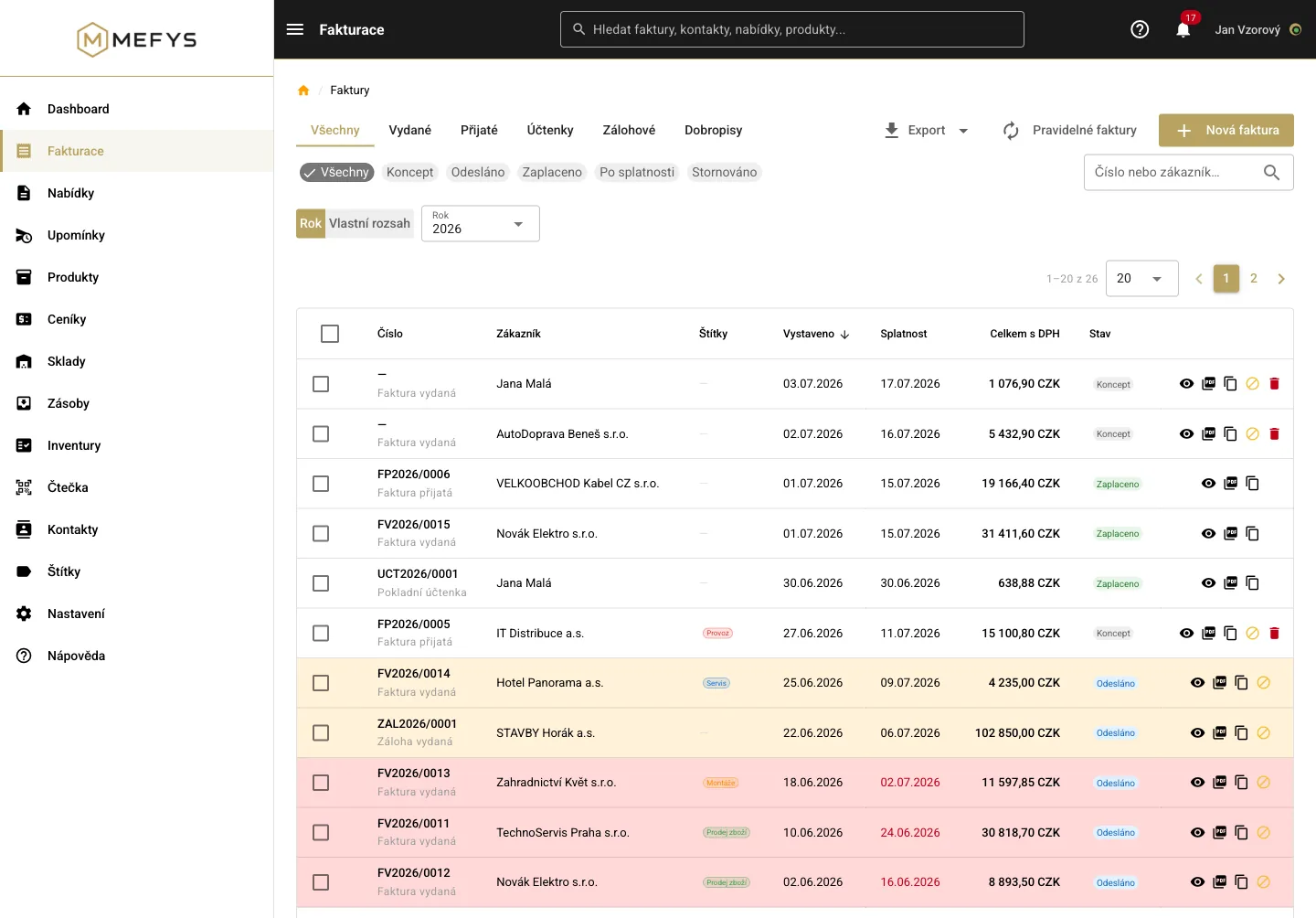
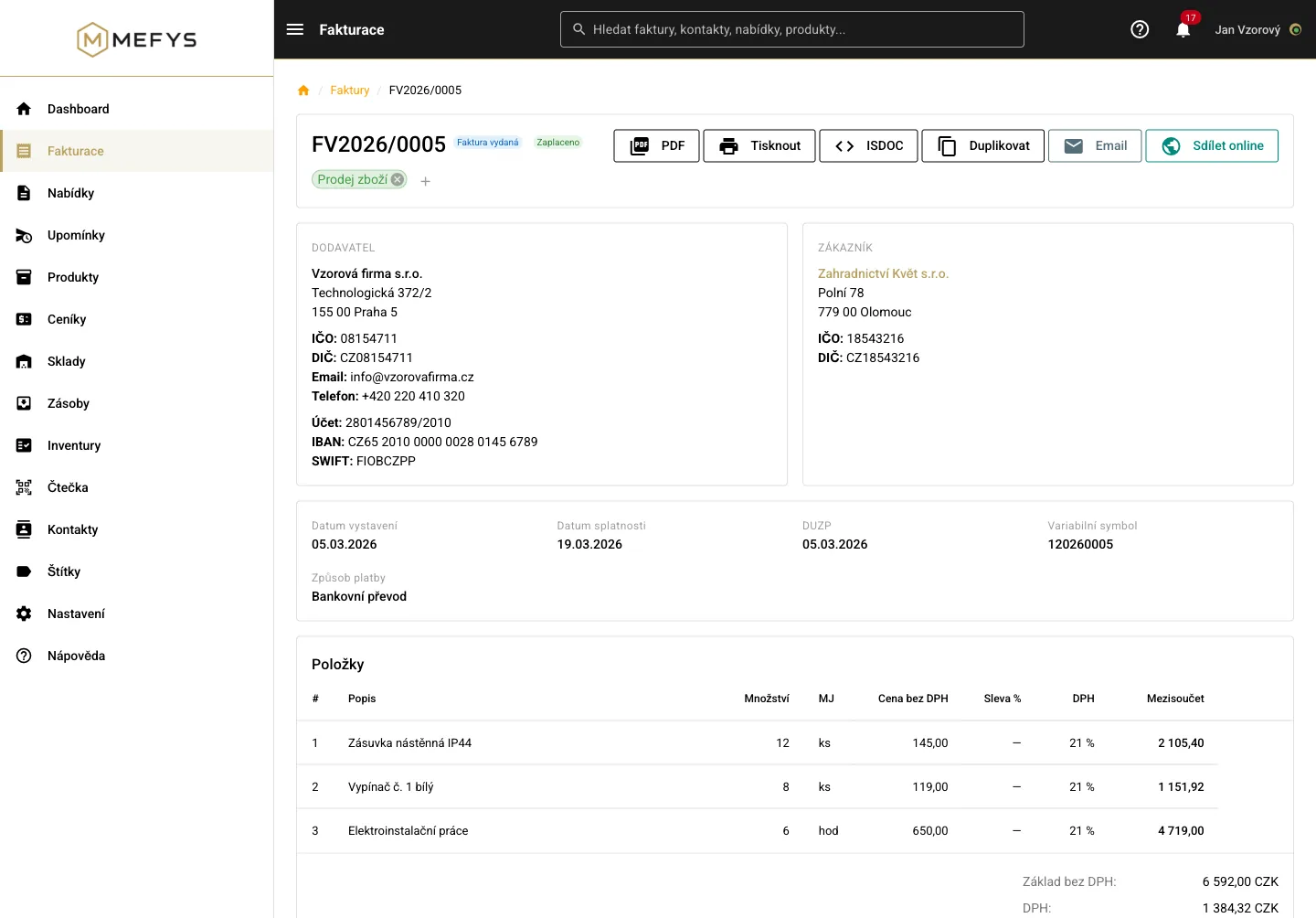
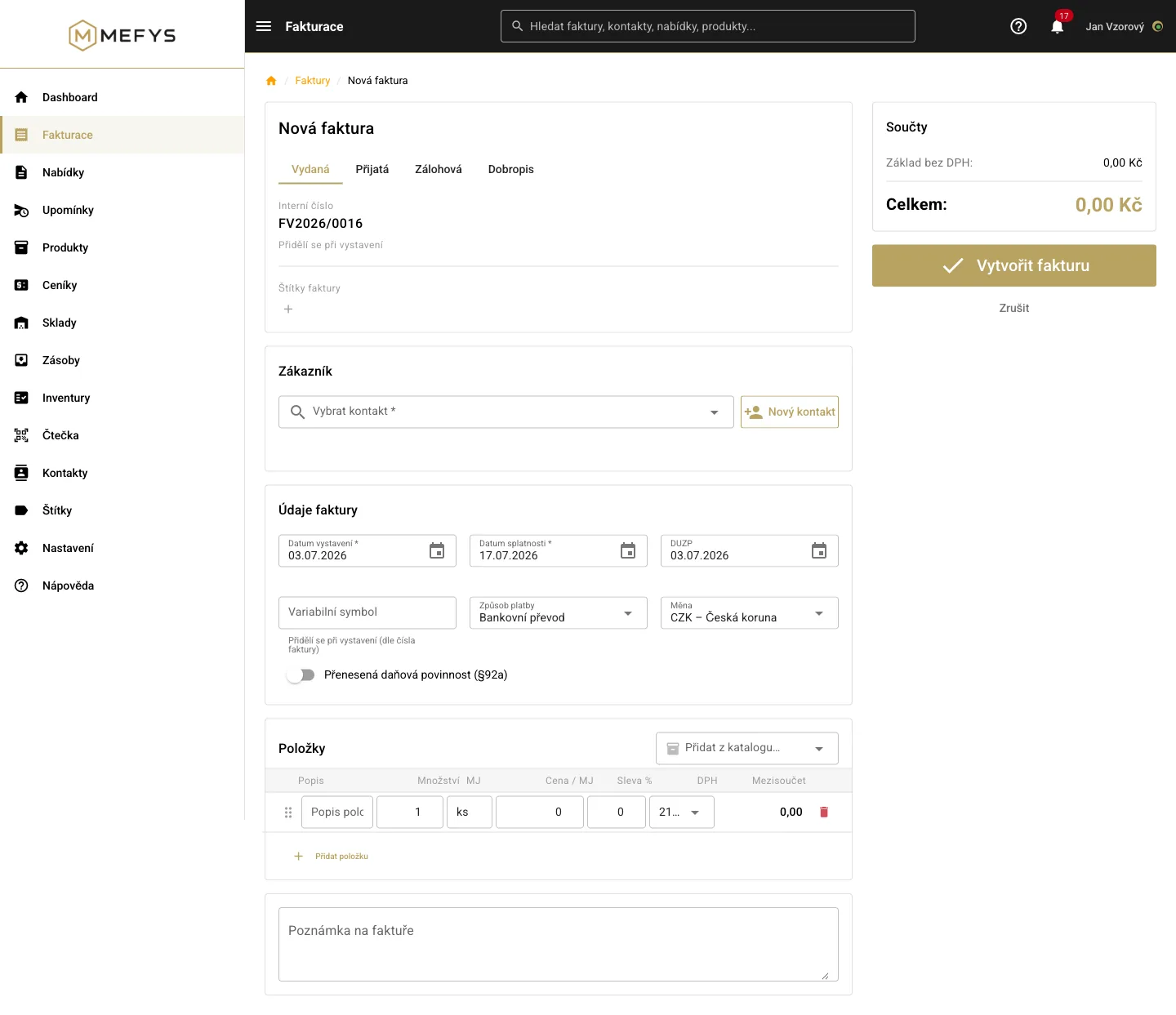
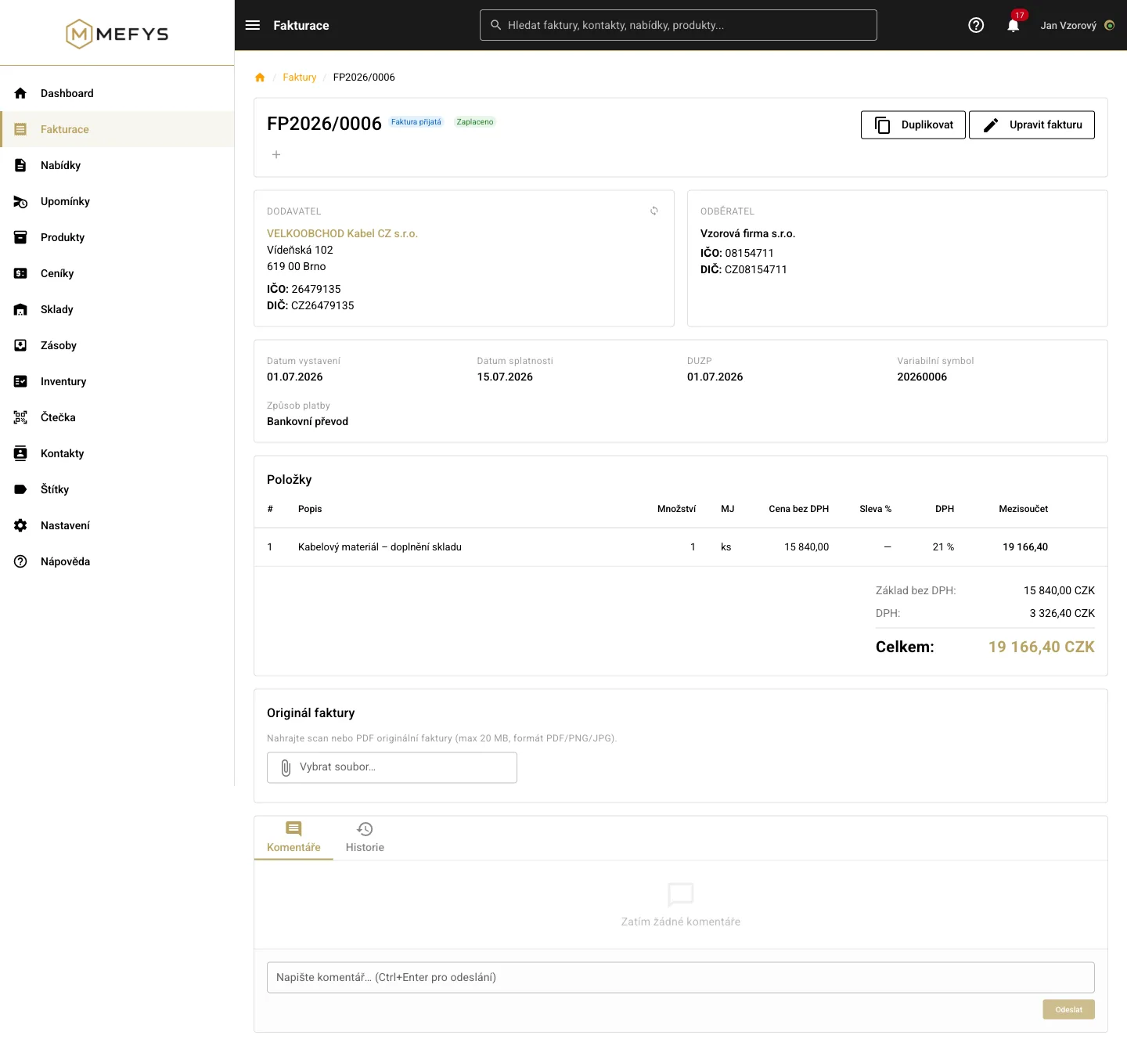
Issued and received invoices, advances, credit notes and receipts — the whole invoicing life of your company in one place.
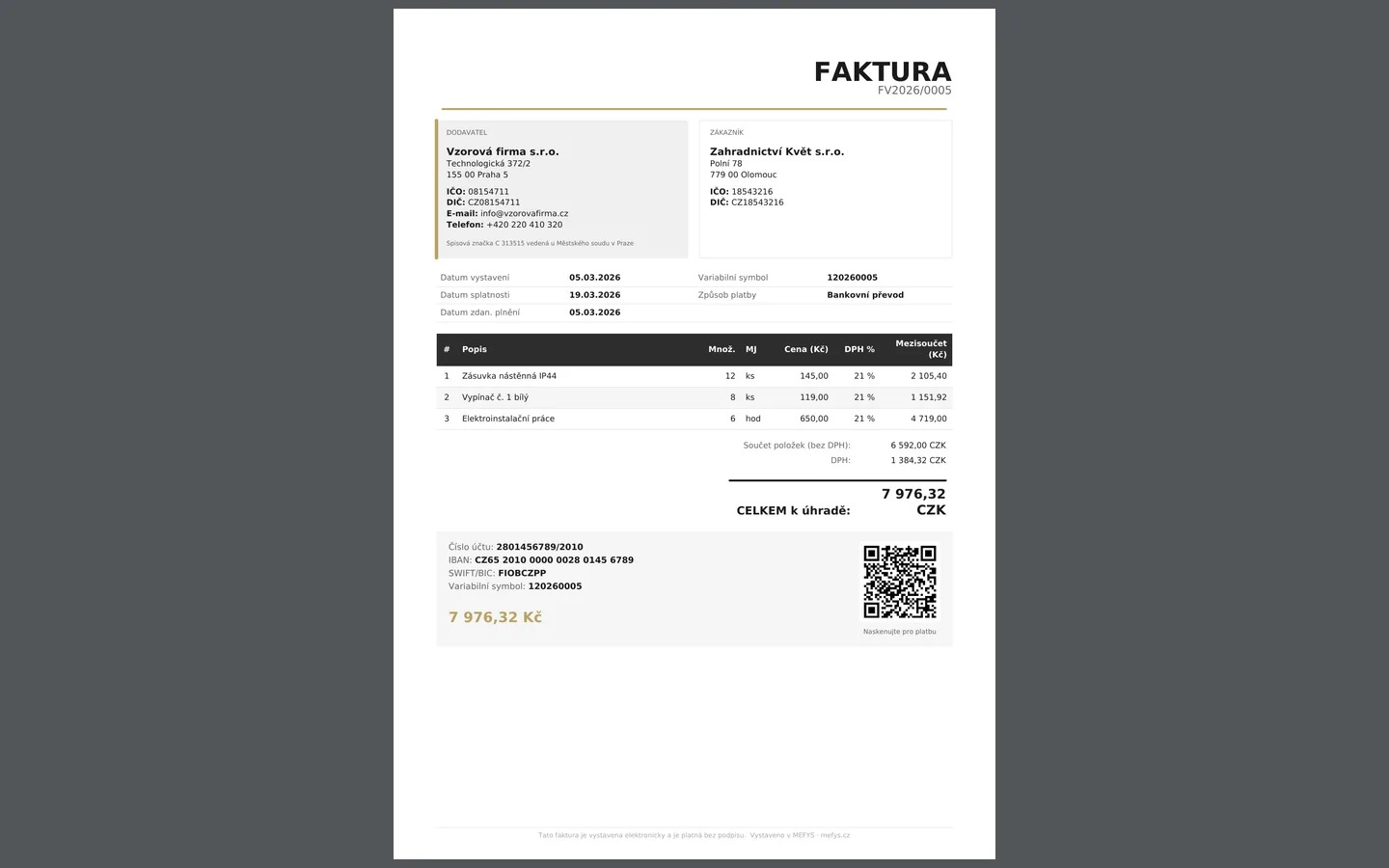
- QR payment right on the PDF invoice and in the e-mail — customers pay in two taps
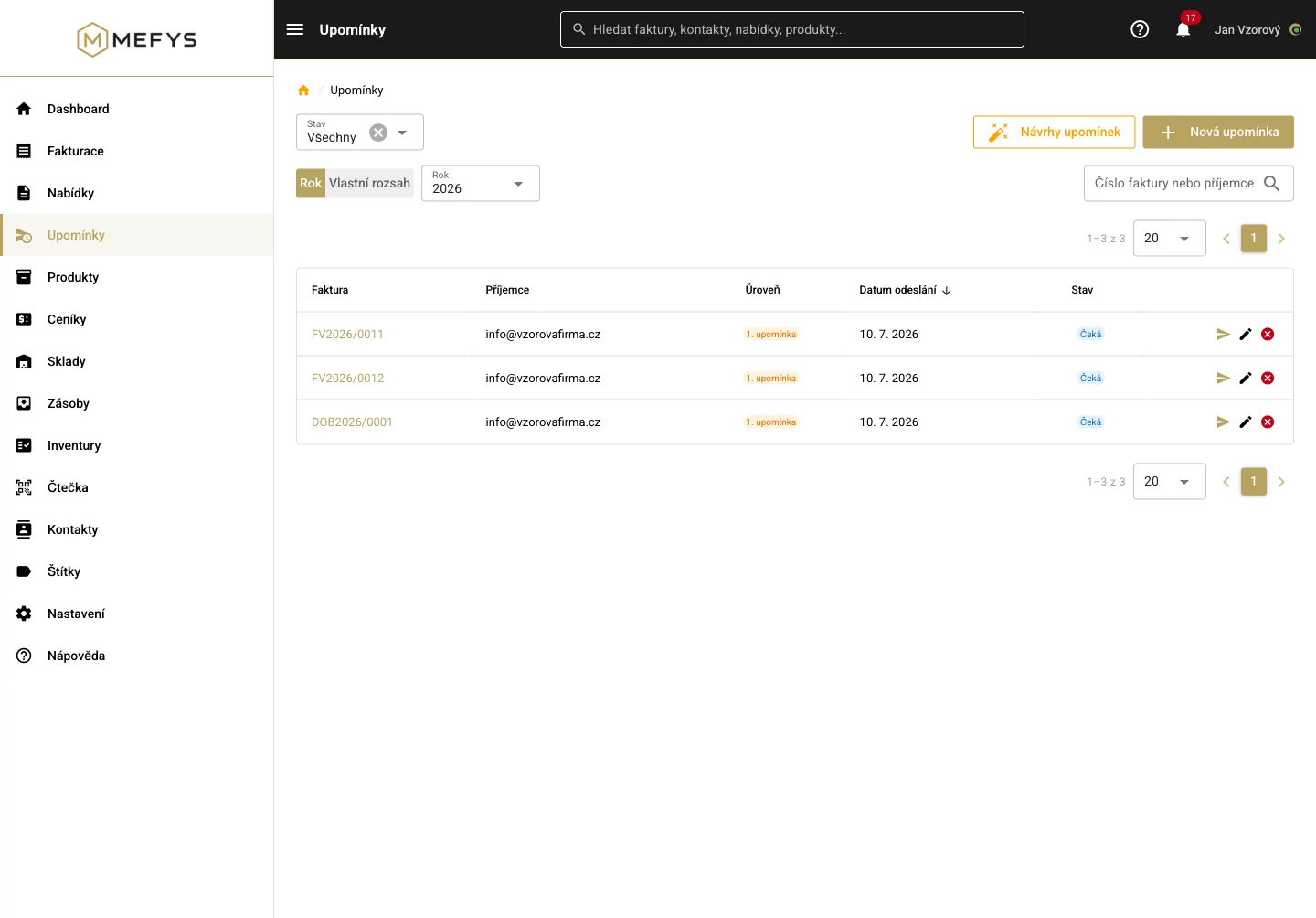
- Due-date tracking and automatic payment reminders: the system suggests, you approve
- Foreign currencies, VAT and reverse charge calculated correctly
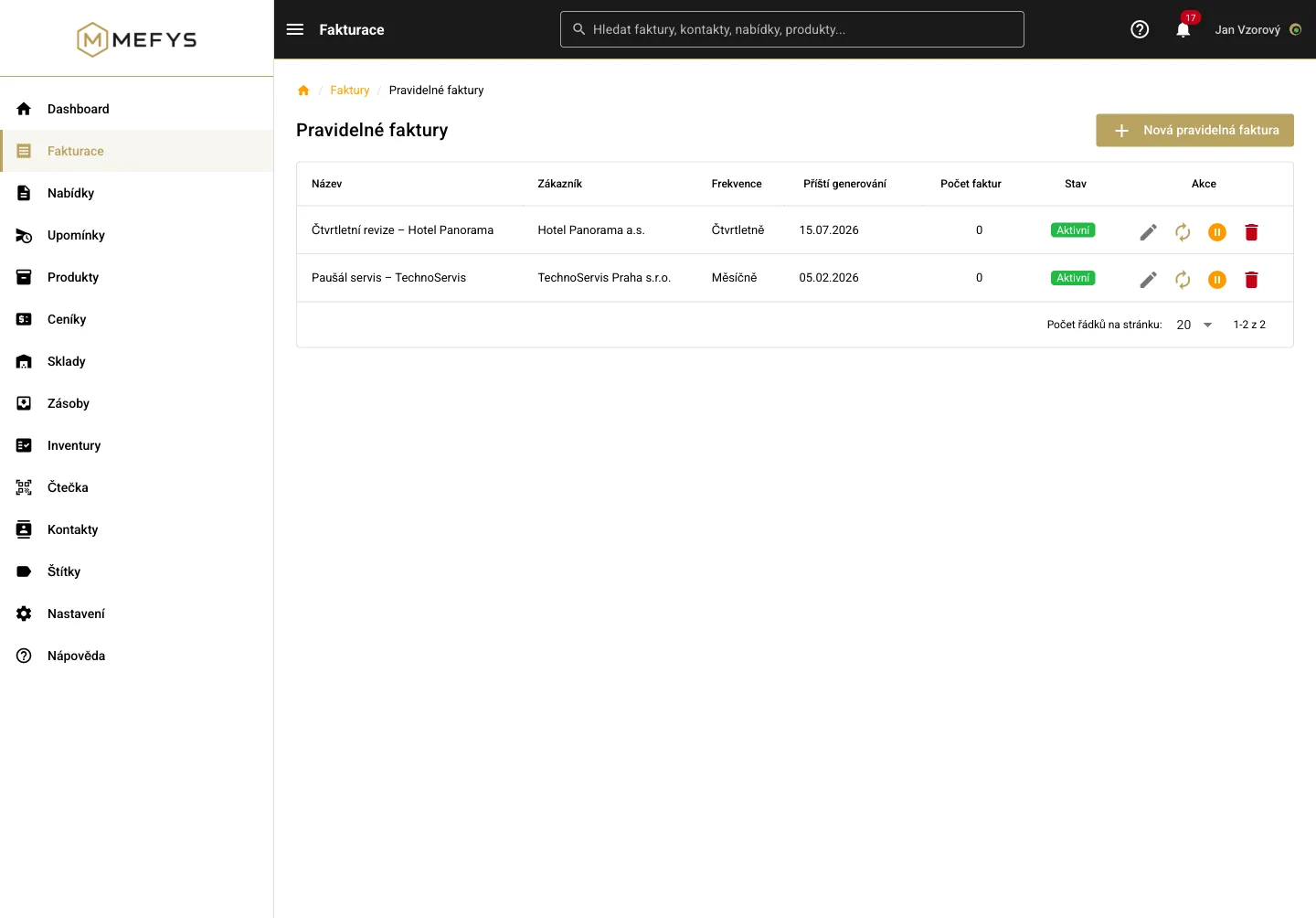
- Recurring invoices for retainers and subscriptions — issued automatically on schedule
- Just snap a photo of a received invoice or receipt — MEFYS types it up for you and prepares a draft you approve
- Exports for accountants in formats their software reads straight in: PDF, ISDOC, Money S3, POHODA, ABRA Flexi, CSV, XLSX
BankingUpload a statement, payments match themselves
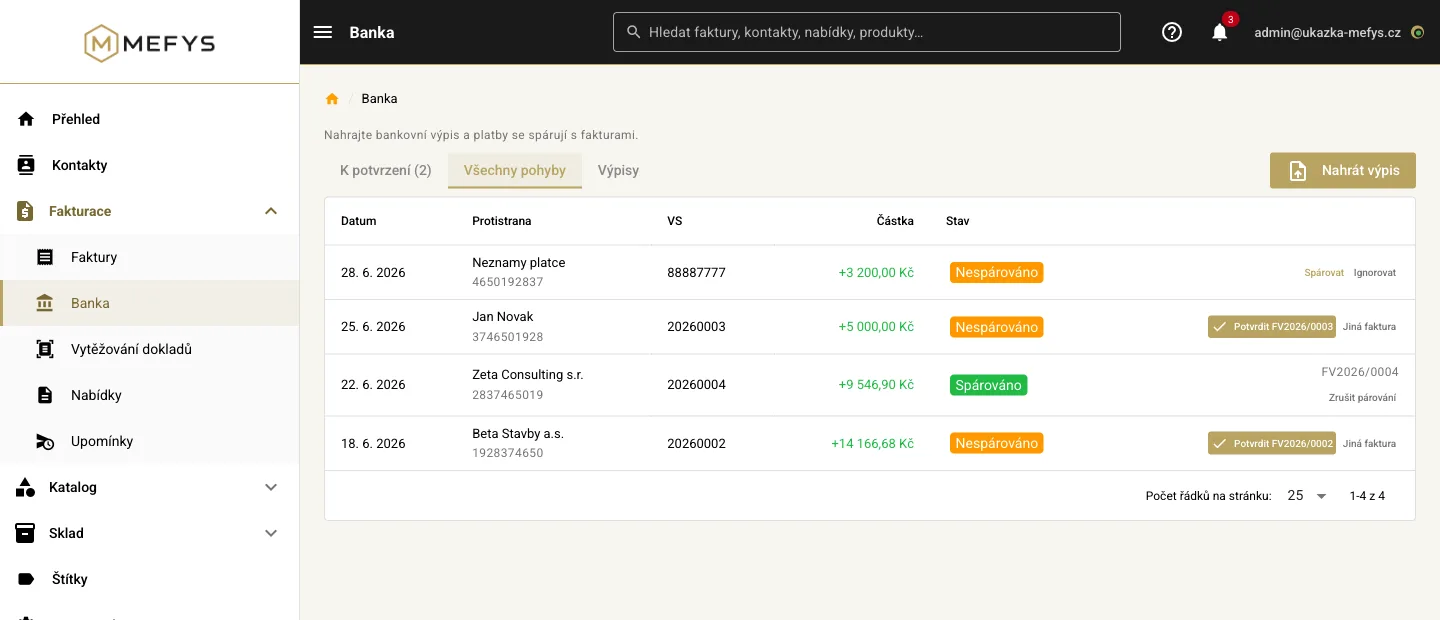
No more ticking off who paid. Upload the statement from your online banking and MEFYS reads the payments and assigns them to invoices.
- Czech bank statements: ABO/GPC and camt.053 — upload the file exactly as your bank exports it
- An unambiguous payment matches itself: variable symbol, amount and currency all agree → the invoice is marked paid
- Anything the system isn't sure about waits for your approval — overpayments and partial payments are never matched automatically
- Uploading the same file twice won't create the payments again
QuotesFrom quote to invoice in one click
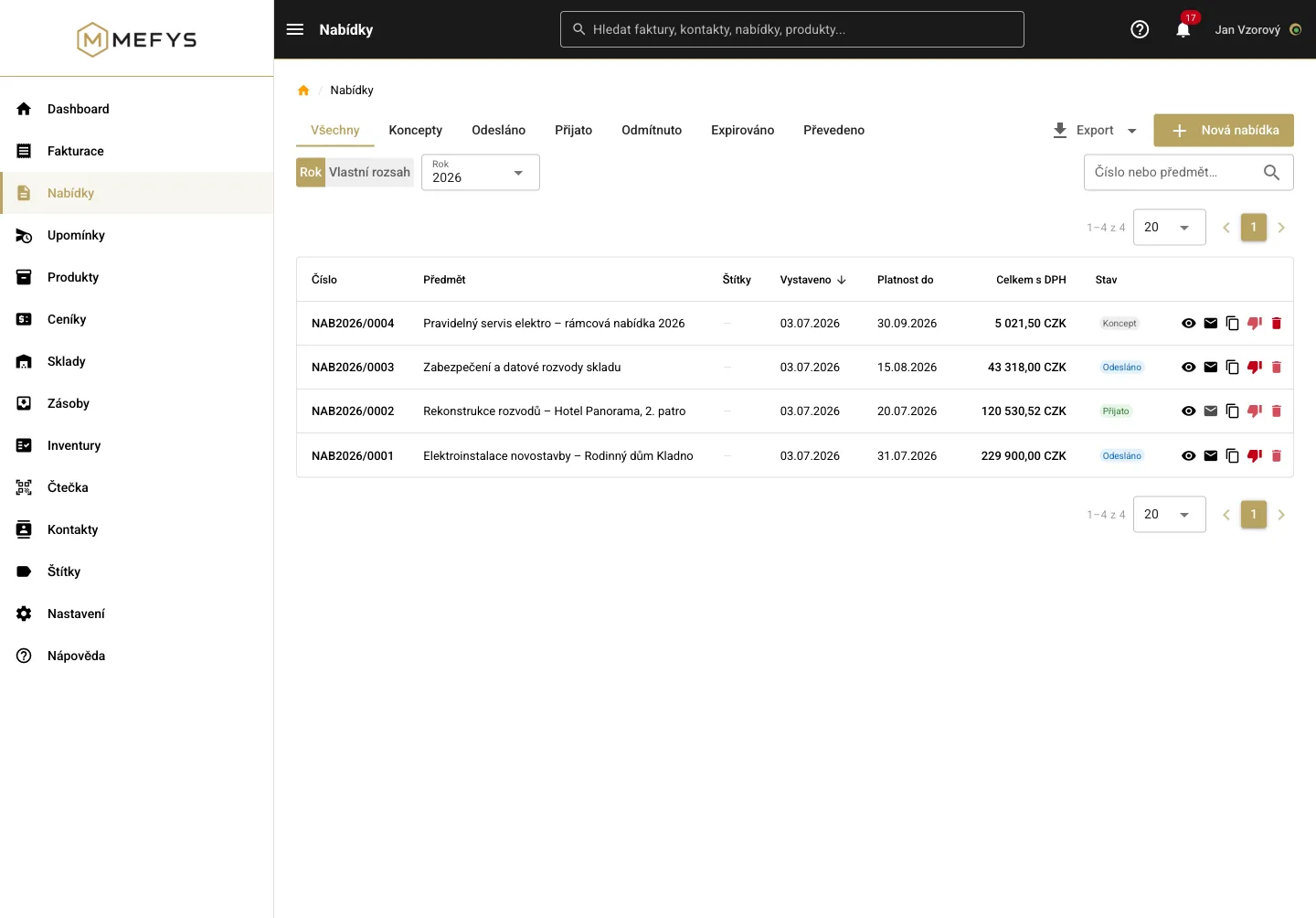
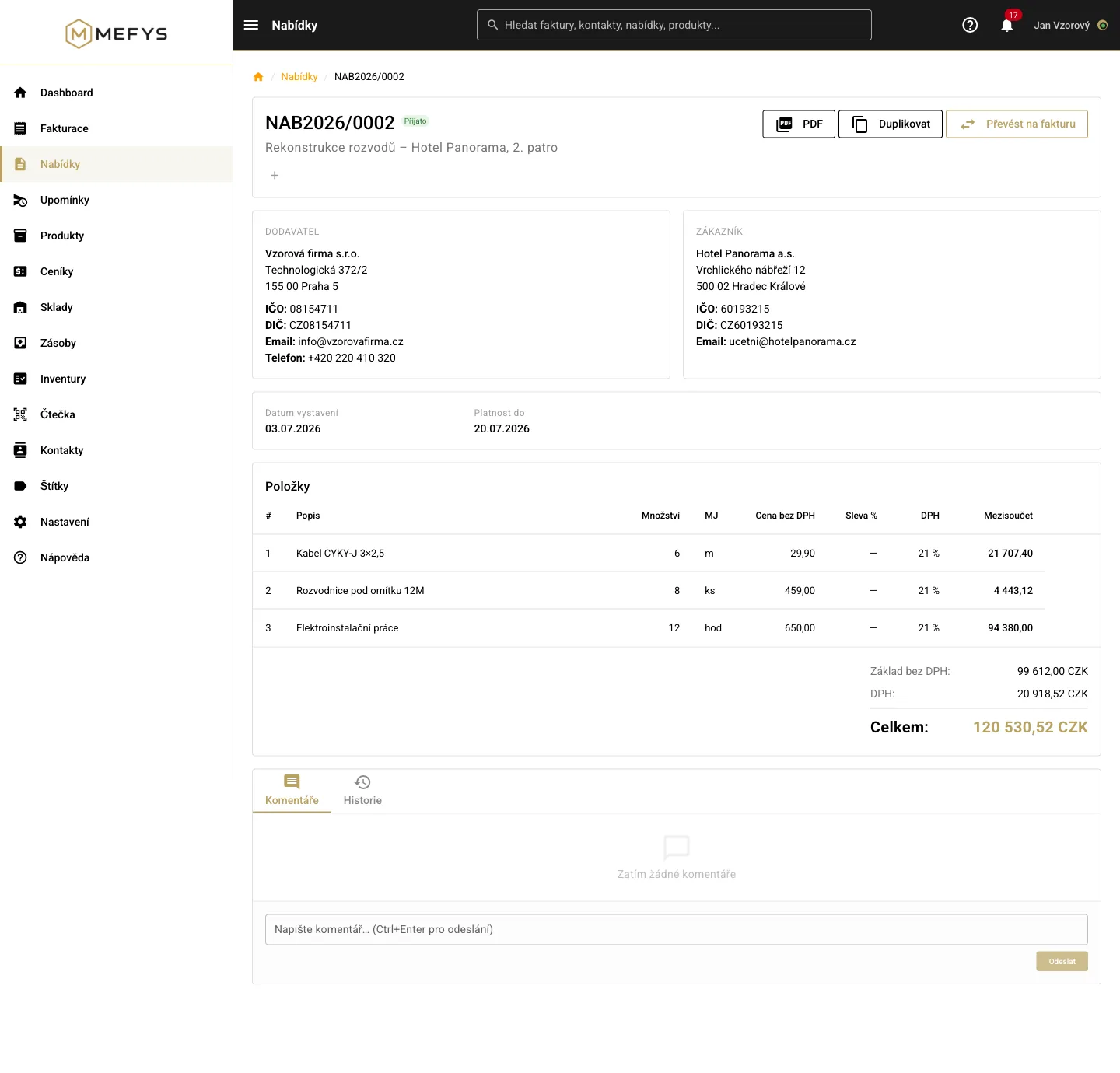
Quotes with statuses and validity, line items from the catalog with correct prices.
- Statuses: draft → sent → accepted / rejected — you always see where things stand
- Items from the catalog with price-list prices, VAT calculated by the system
- Convert an accepted quote to an invoice in one click, no retyping
Catalog & price listsProducts with prices under control
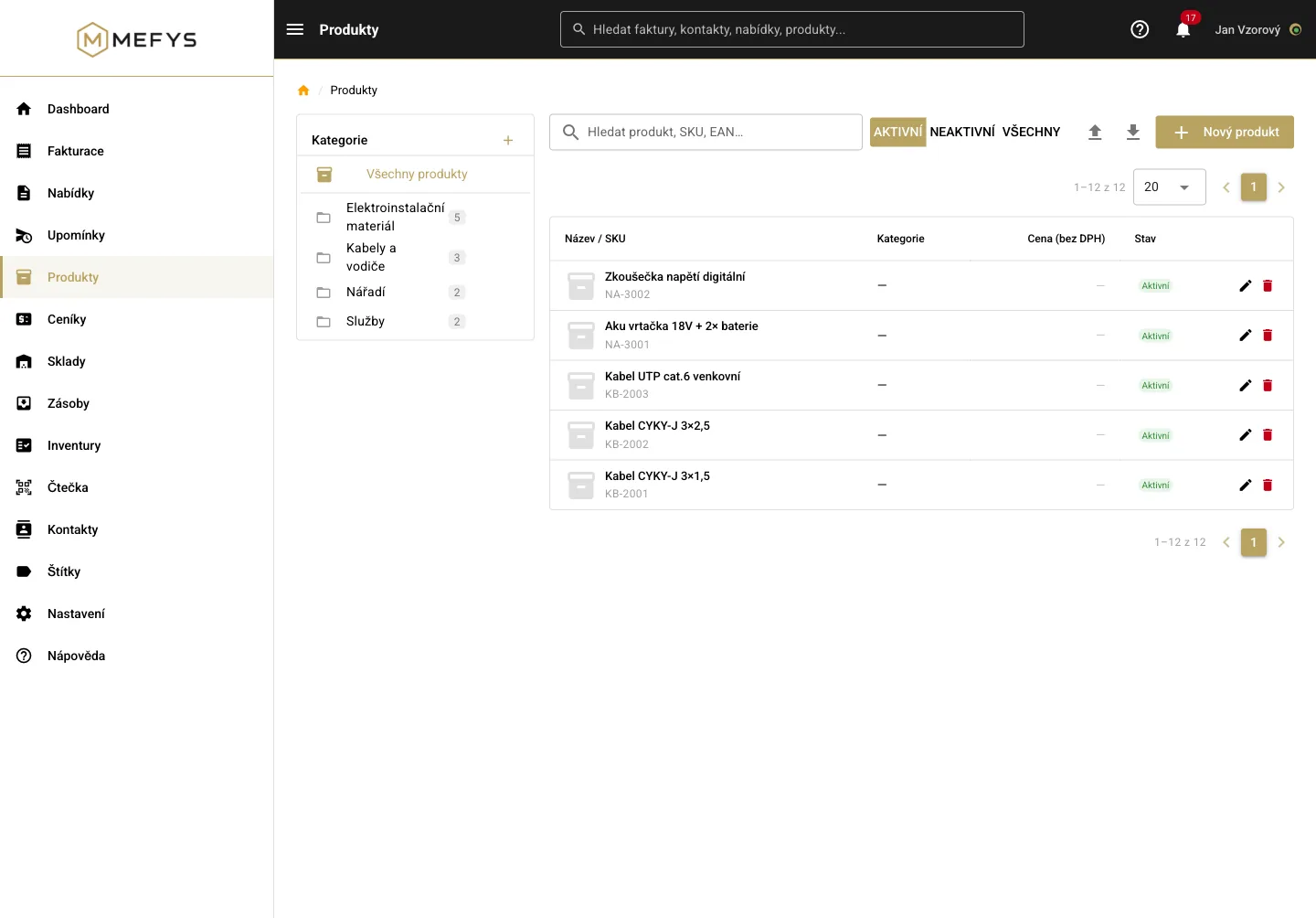
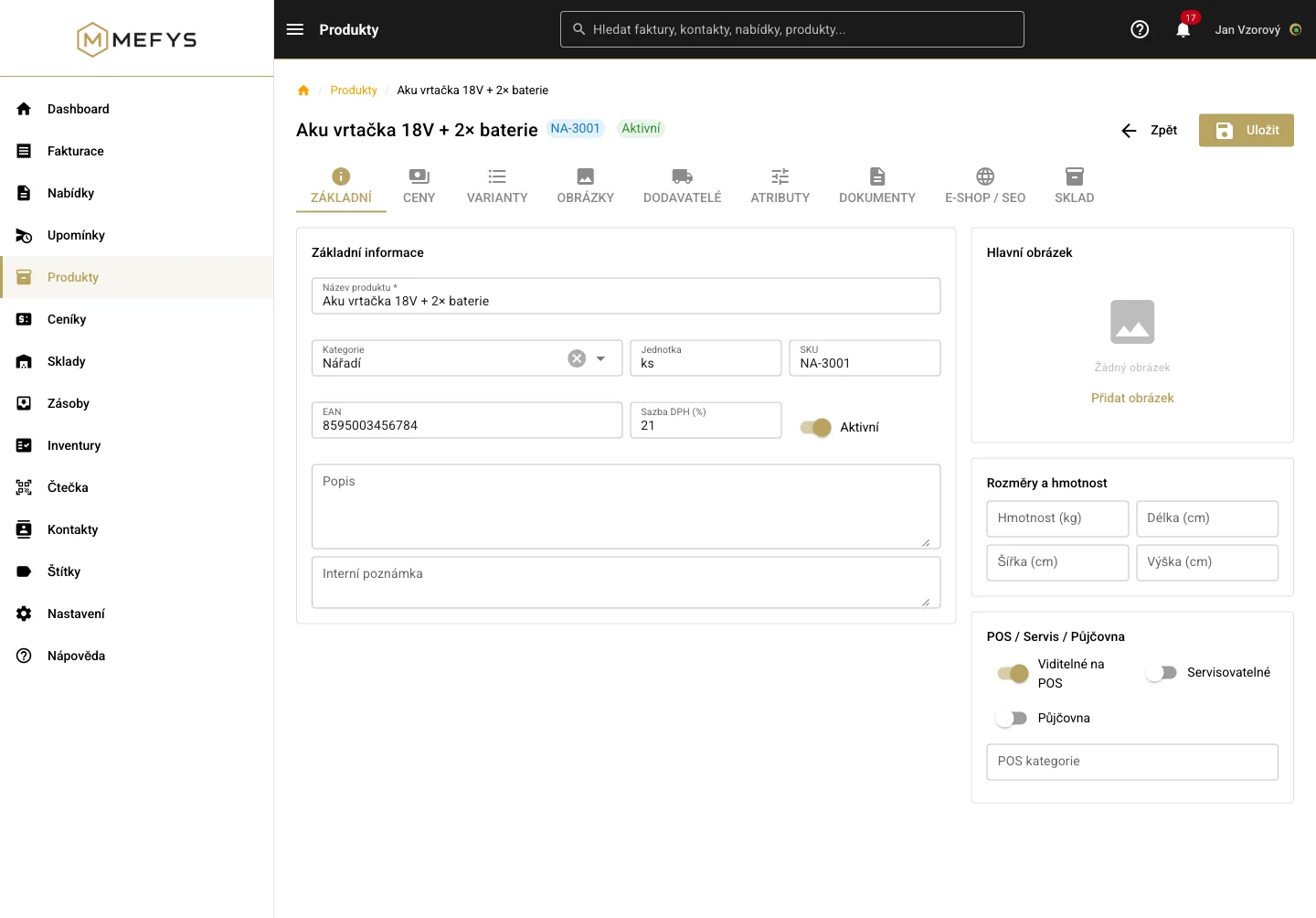
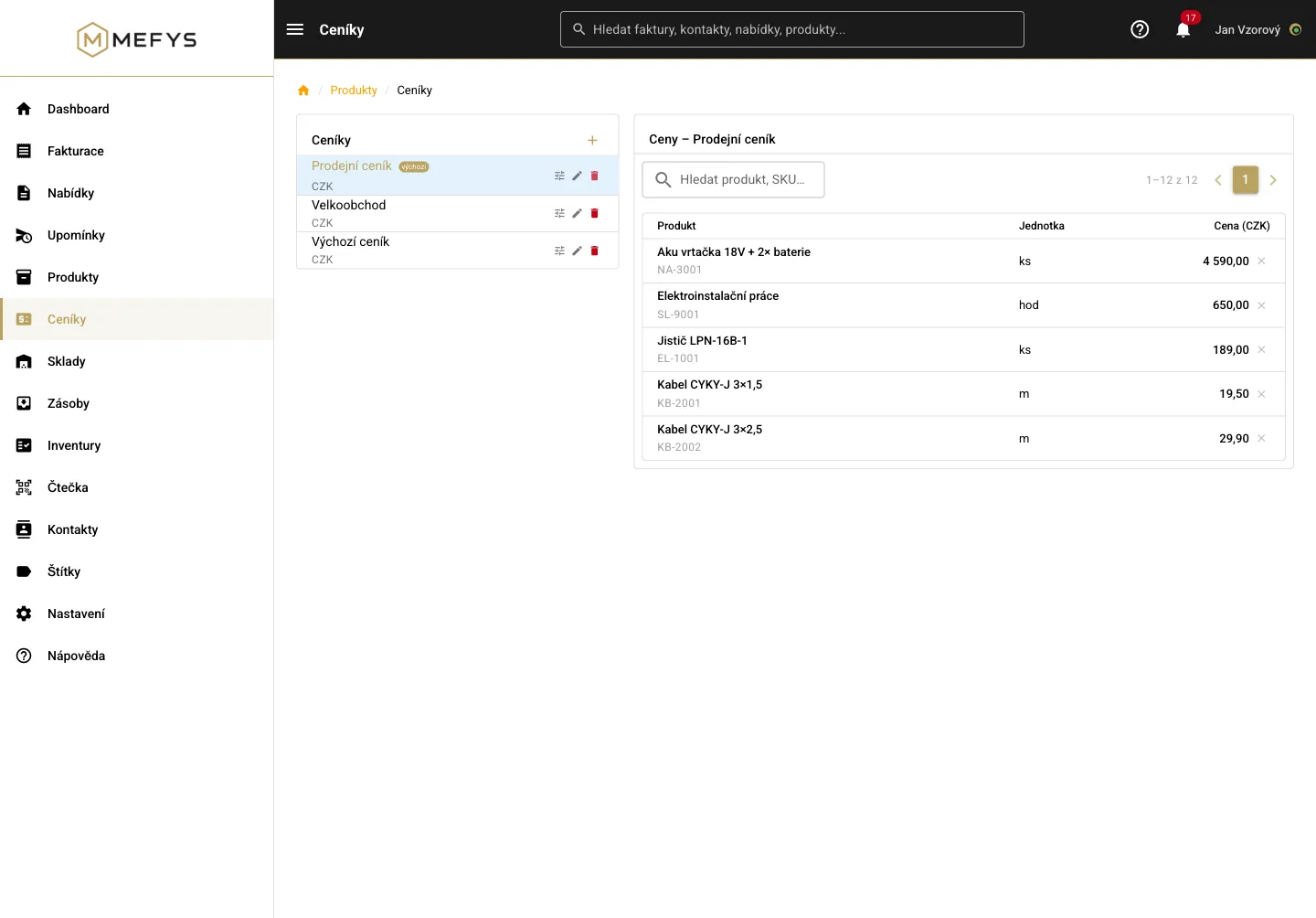
The product catalog works even without the warehouse — and prices flow into invoices and quotes automatically.
- Categories, variants, custom attributes, product codes and barcodes (EAN)
- Multiple price lists side by side — retail, wholesale, promo
- Supplier prices per product: know what you buy for and what margin you sell at
WarehouseA real warehouse, not just a piece counter
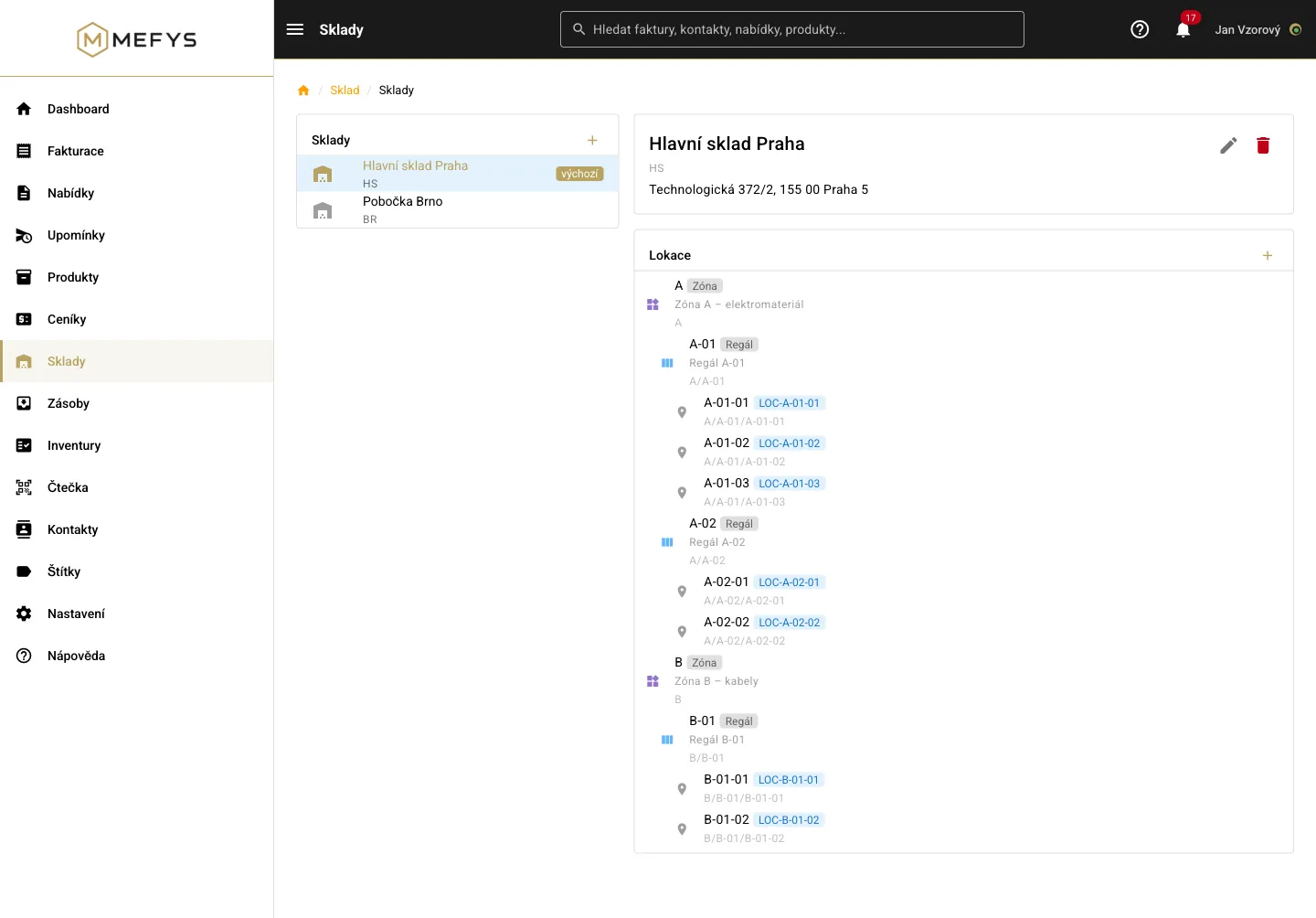
A warehouse that ordinary invoicing tools don’t have — enable it when you need it.
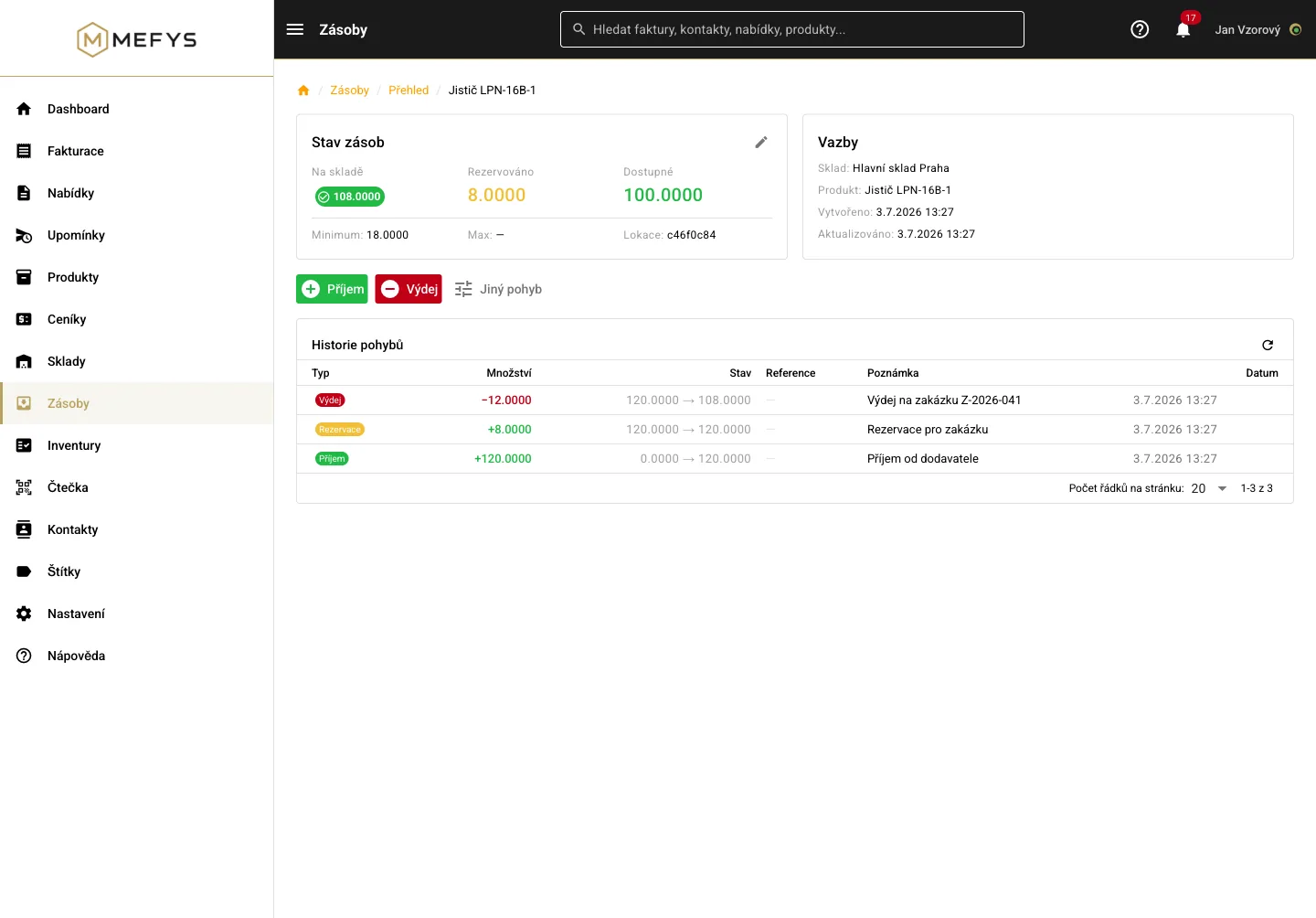
- Multiple warehouses and a location tree: zone → rack → bin, each with a barcode
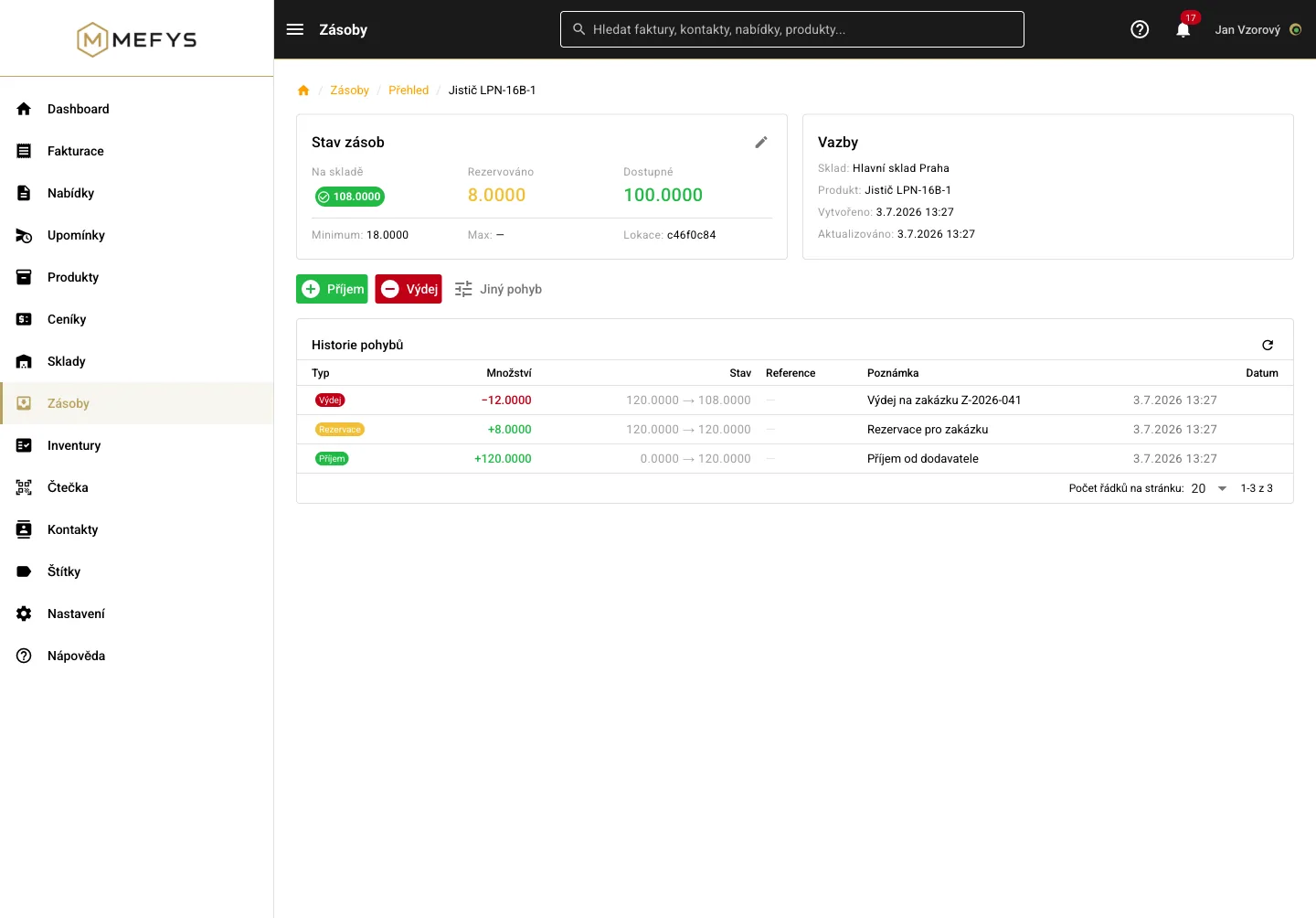
- Reservations make sure promised goods are never sold twice
- Every movement traceable: who, what, when, from where to where
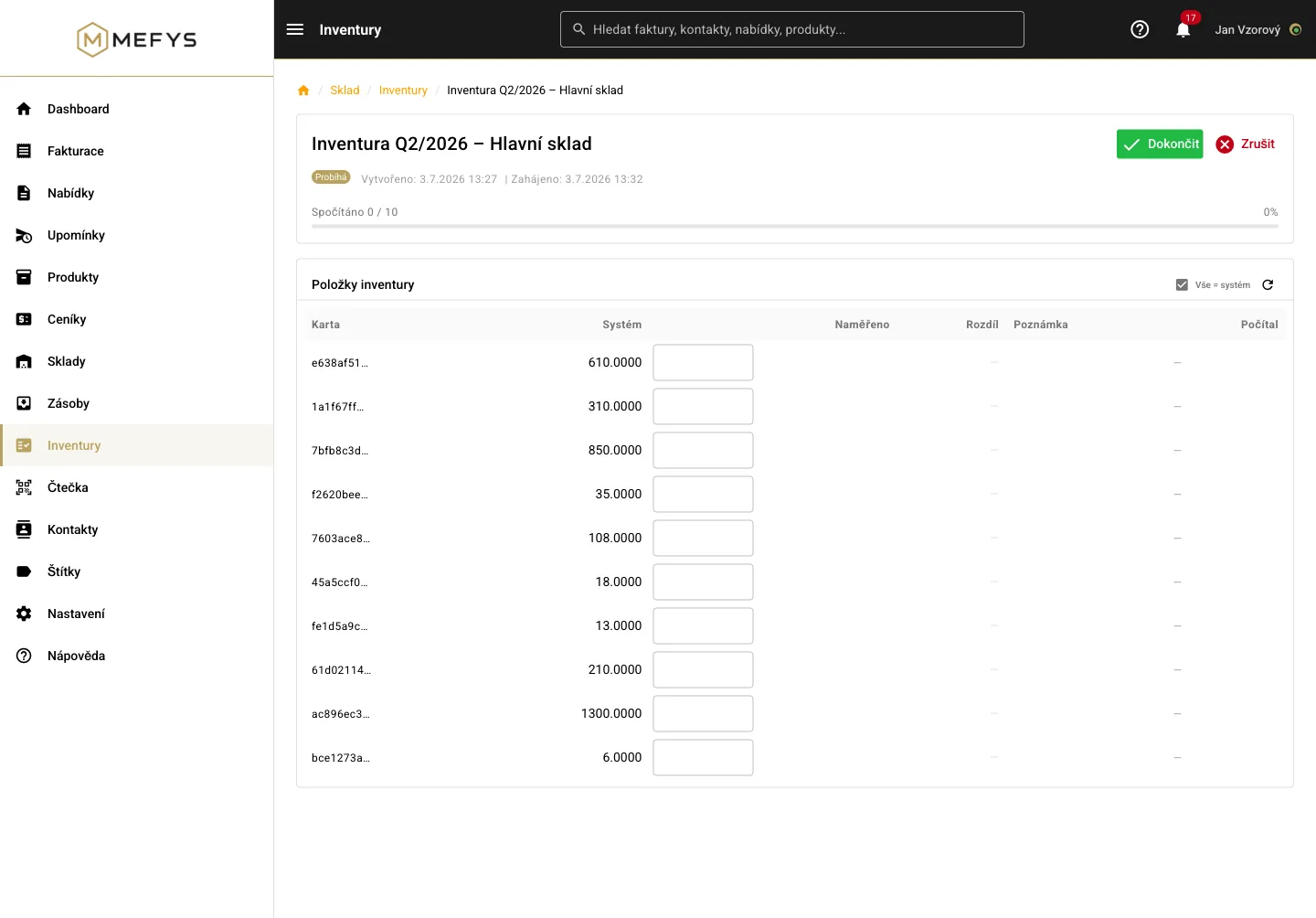
- Continuous partial stocktaking instead of a weekend marathon
- Scan with your phone for receiving, picking and stocktaking — works even without an internet connection
Business overviewSee how your company is doing
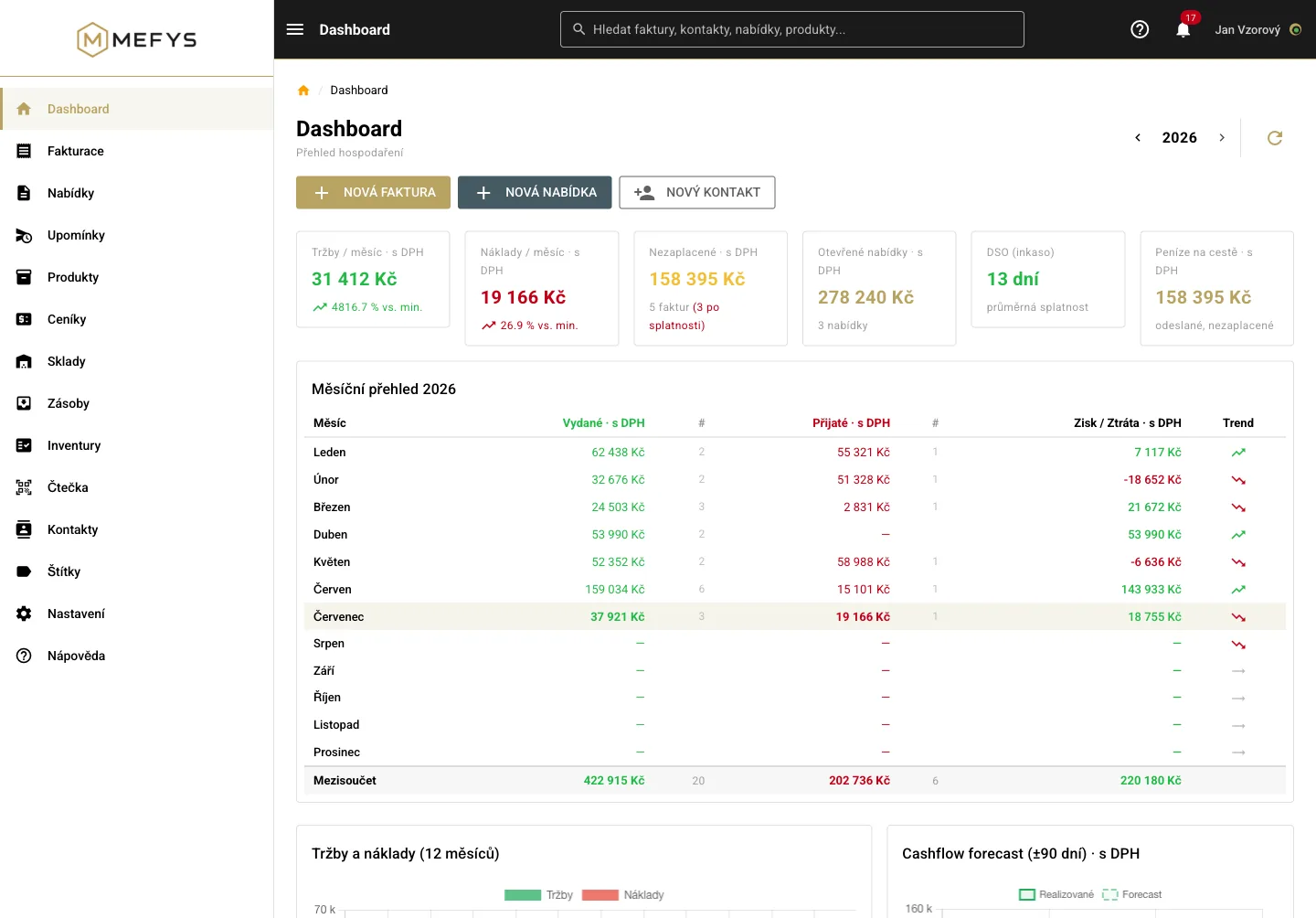
The numbers an owner needs — without spreadsheets and without waiting for the accountant.
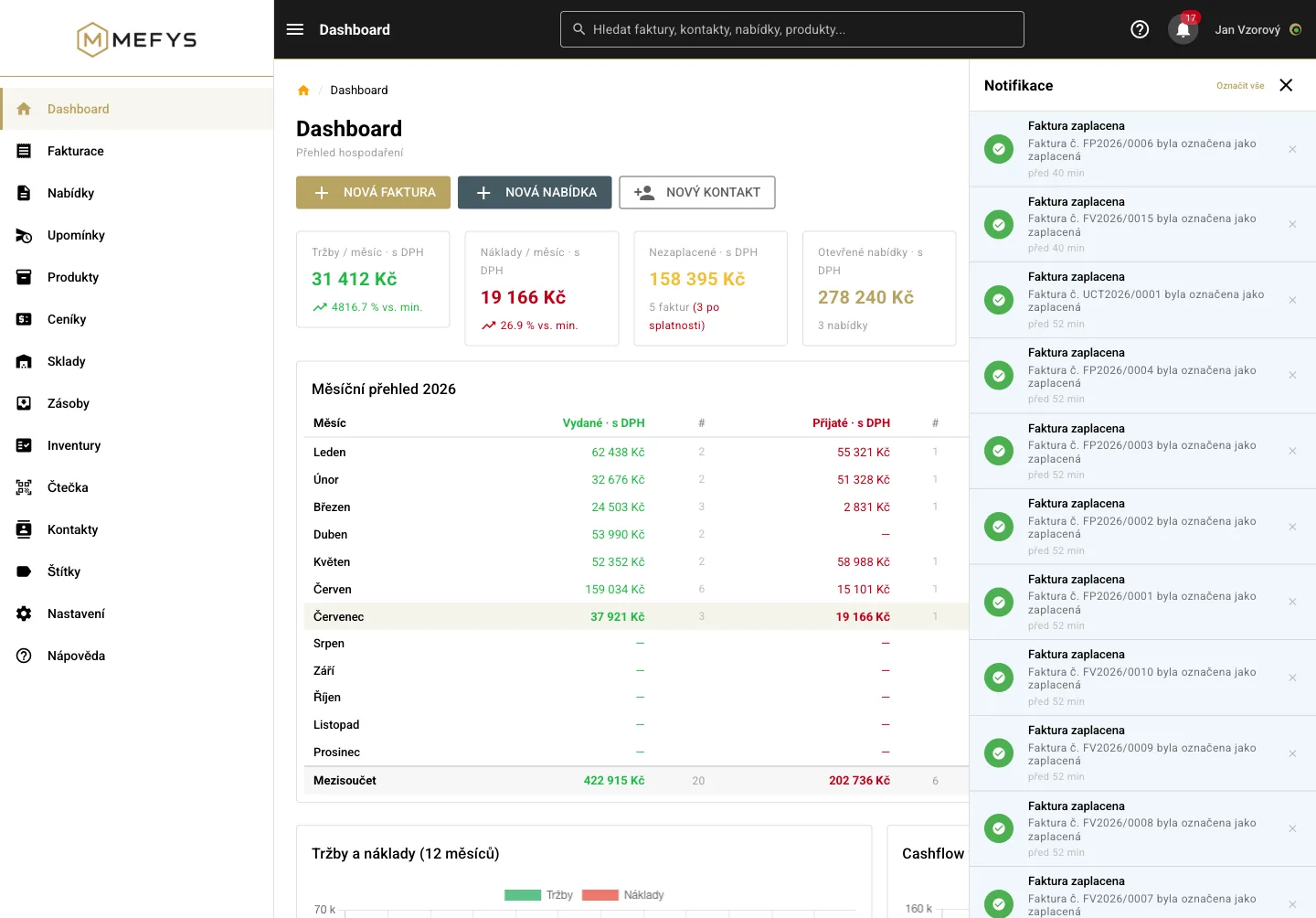
- Revenue and costs by month — plus a 90-day look ahead at how much money comes in and goes out (cashflow)
- Receivables and overdue invoices in one place
- Top customers and suppliers, revenue and costs by tags
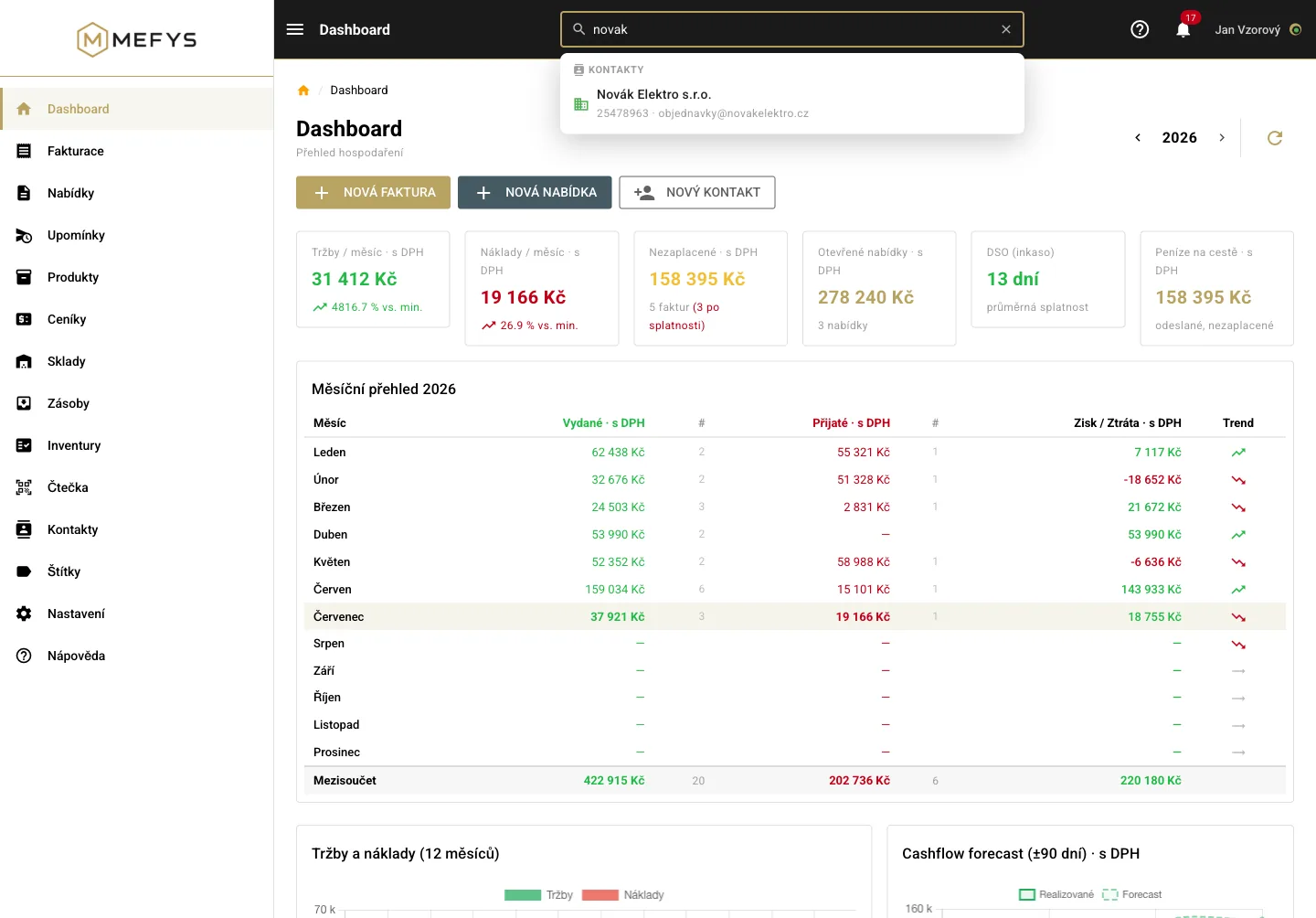
- One search across invoices, contacts, quotes and products
- Alerts for paid invoices, overdue invoices and stock running low — plus an overview of upcoming due dates on the dashboard
Team & settingsEveryone sees only what they need
From a sole trader to a team with roles — and you set everything up yourself.
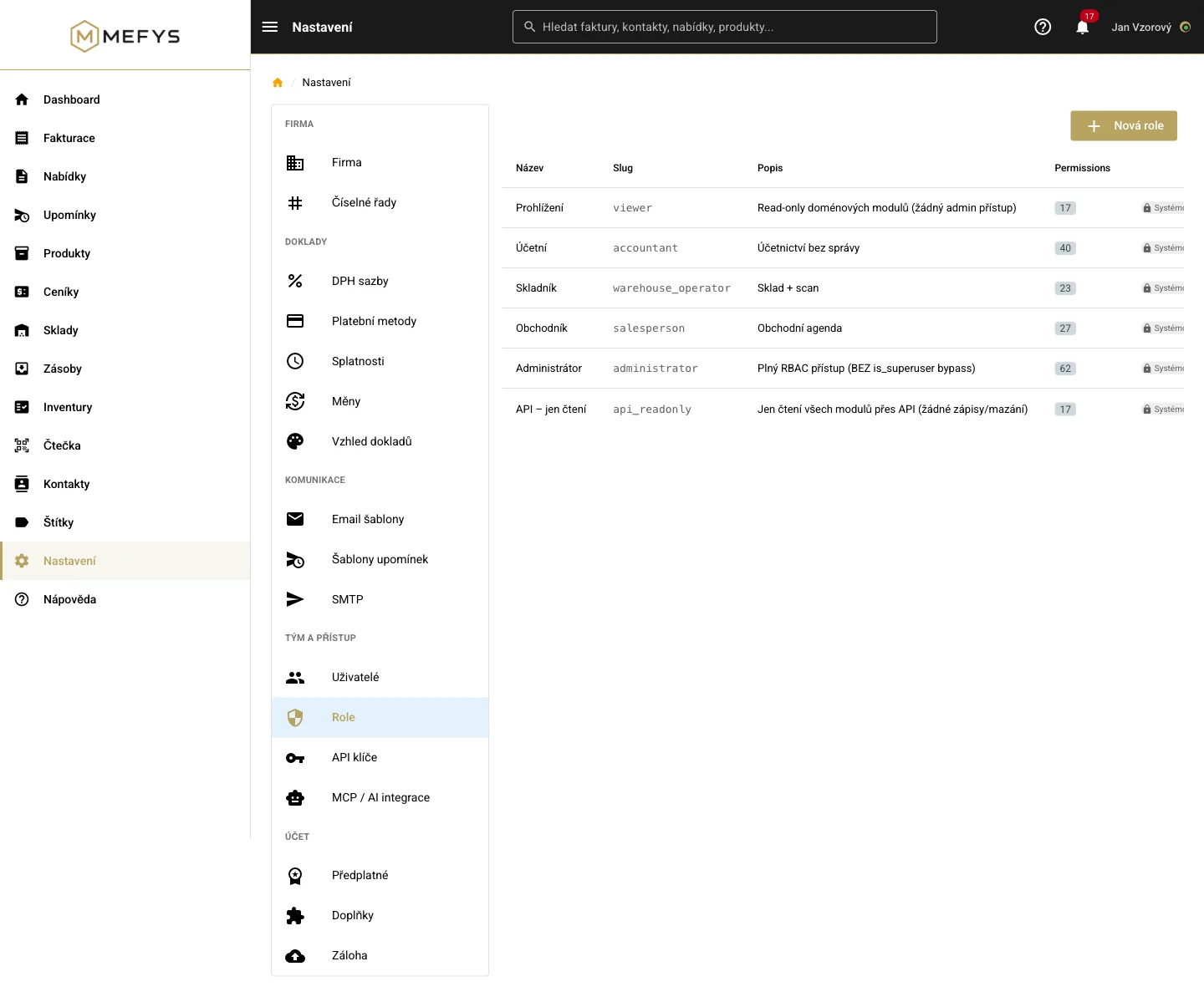
- Roles and permissions: the accountant sees invoices, the storekeeper the warehouse
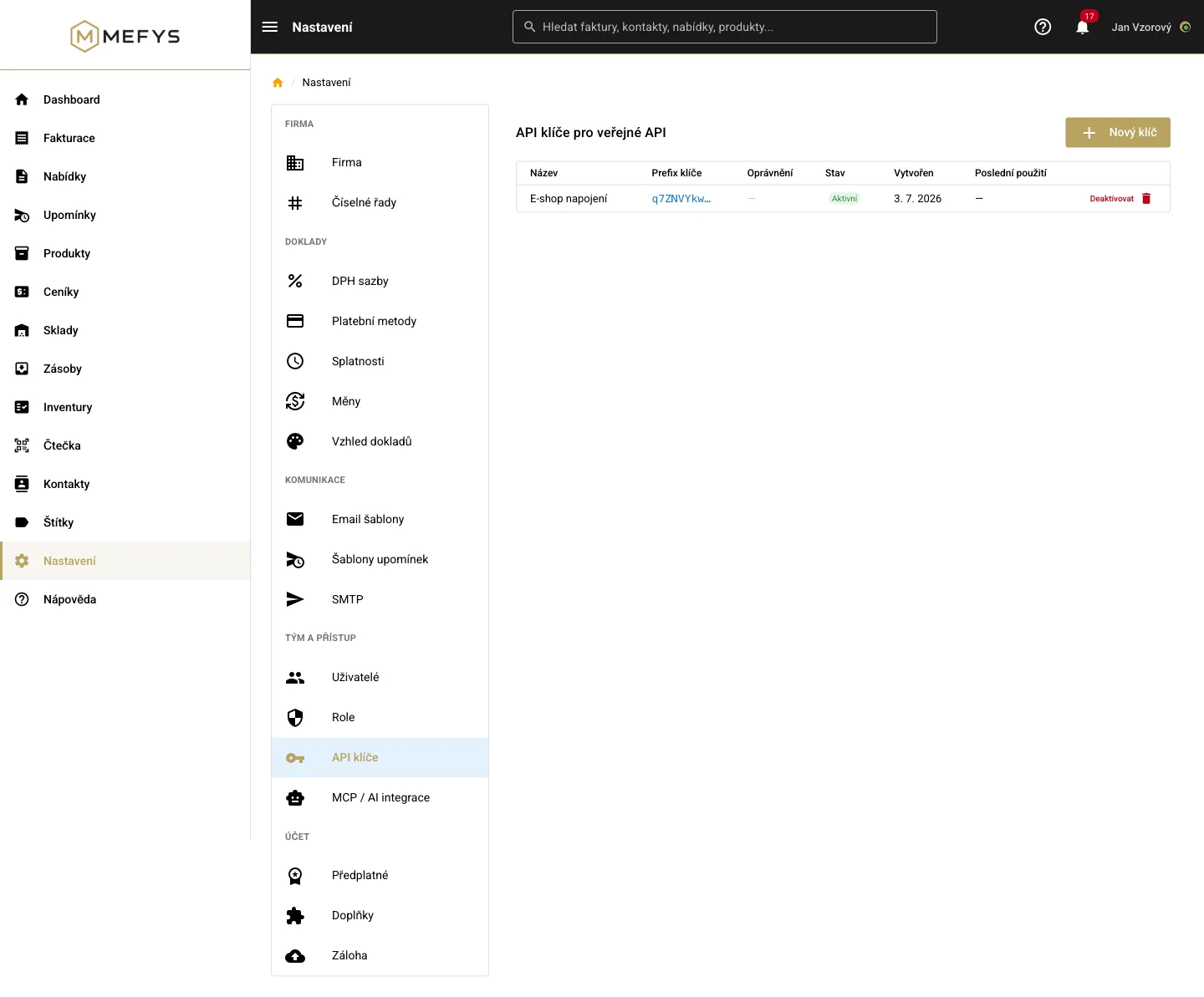
- Connect your e-shop with an access key (API) that only does what you allow — it reads the catalog and stock levels, nothing more
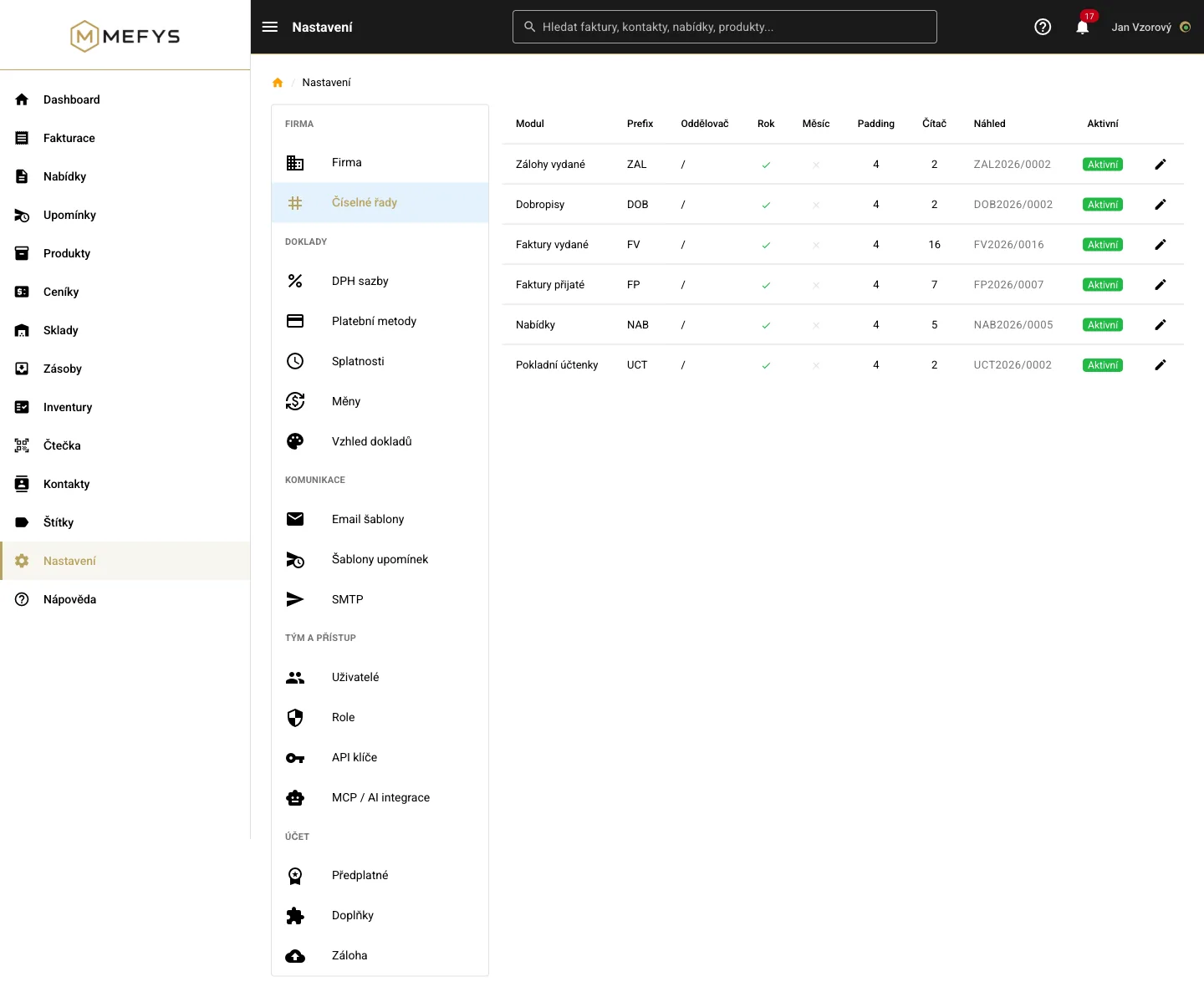
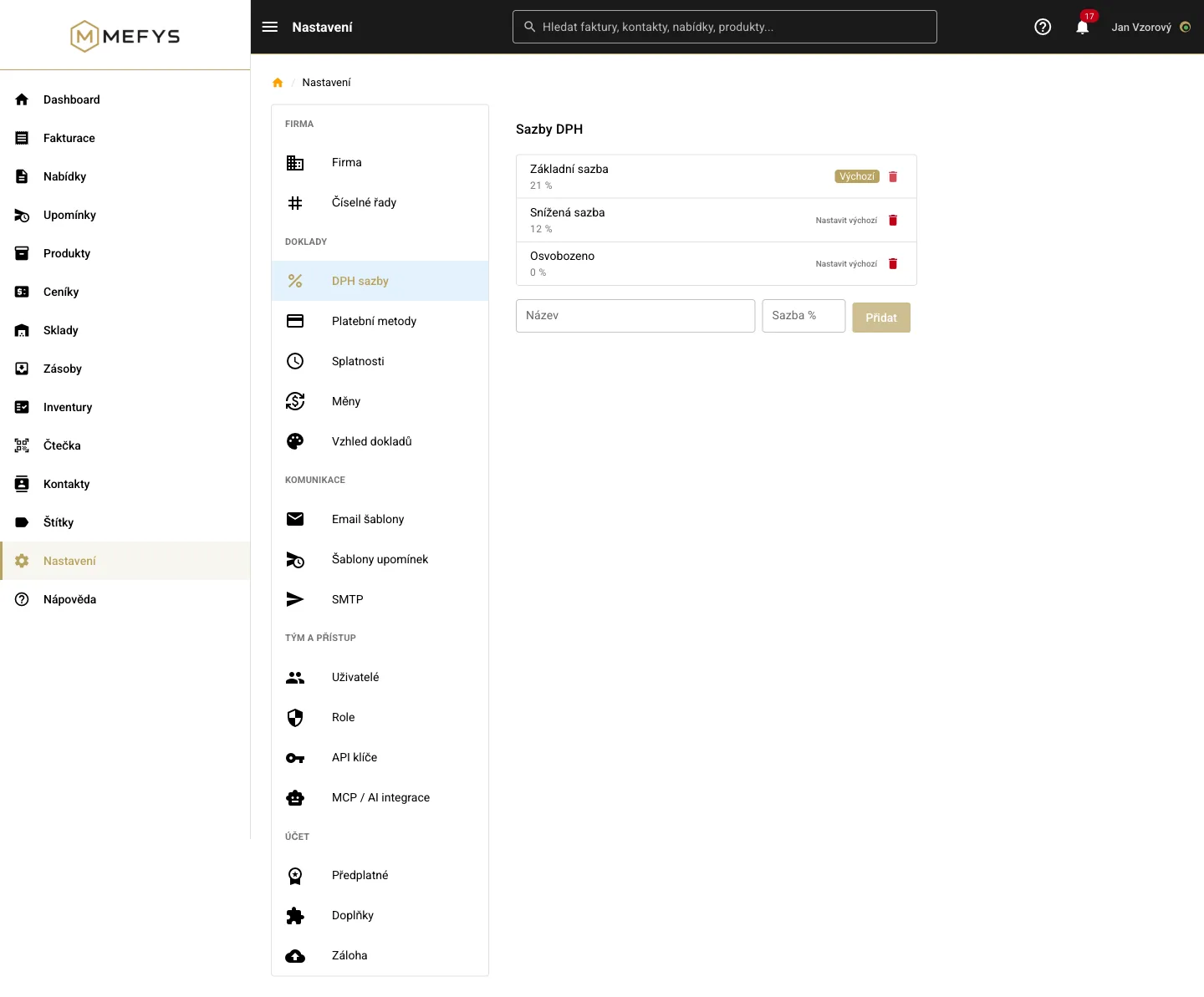
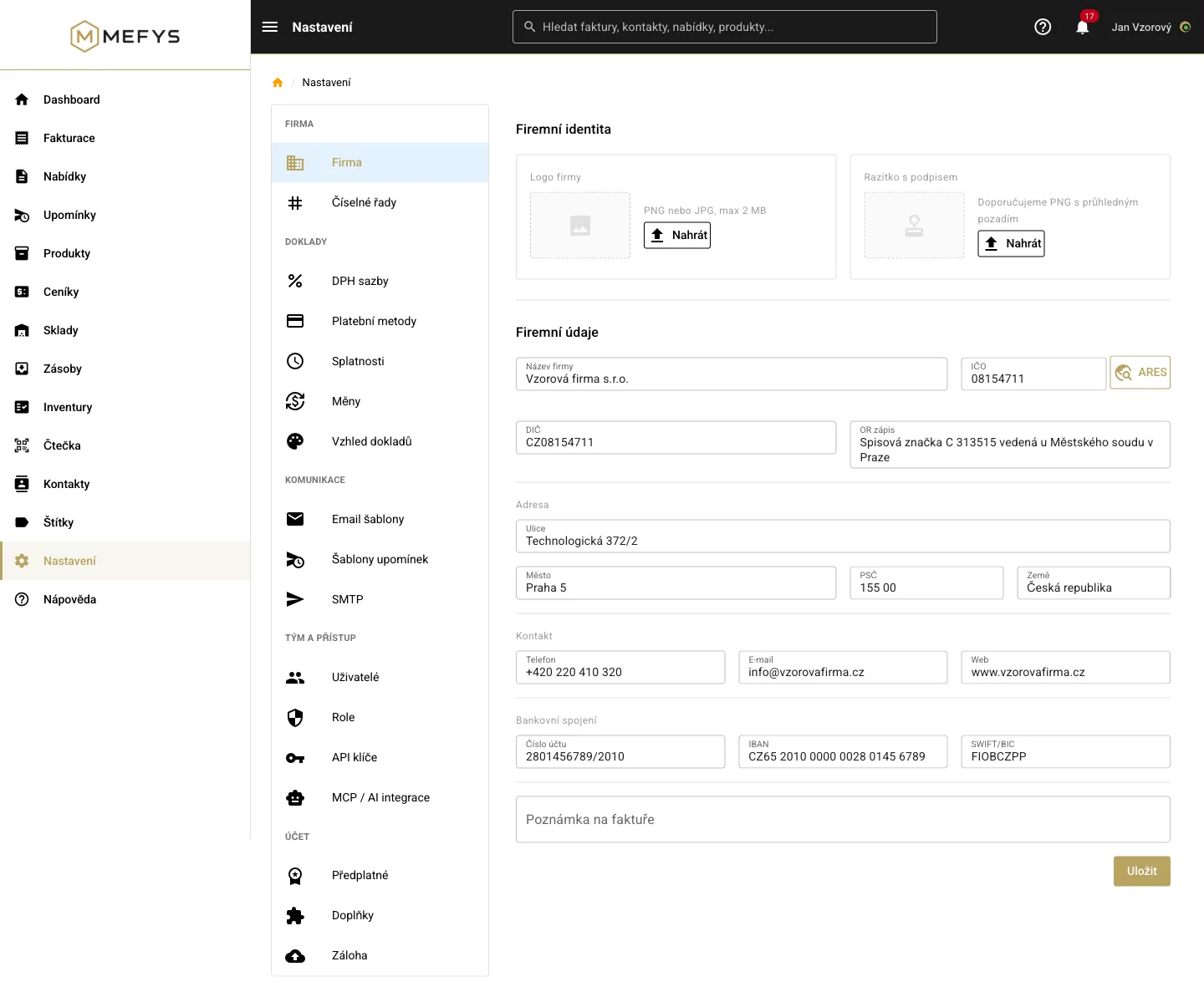
- Number series, VAT rates, due dates and payment methods under control
- Your own logo and stamp on documents
- Two-factor sign-in — including fingerprint or face (Touch ID, Face ID, Windows Hello), with fully passwordless sign-in available — and each company’s data separated
MEFYS AIWrite it, snap it — MEFYS does the work
Three AI capabilities that ordinary invoicing tools don’t offer at this scope.
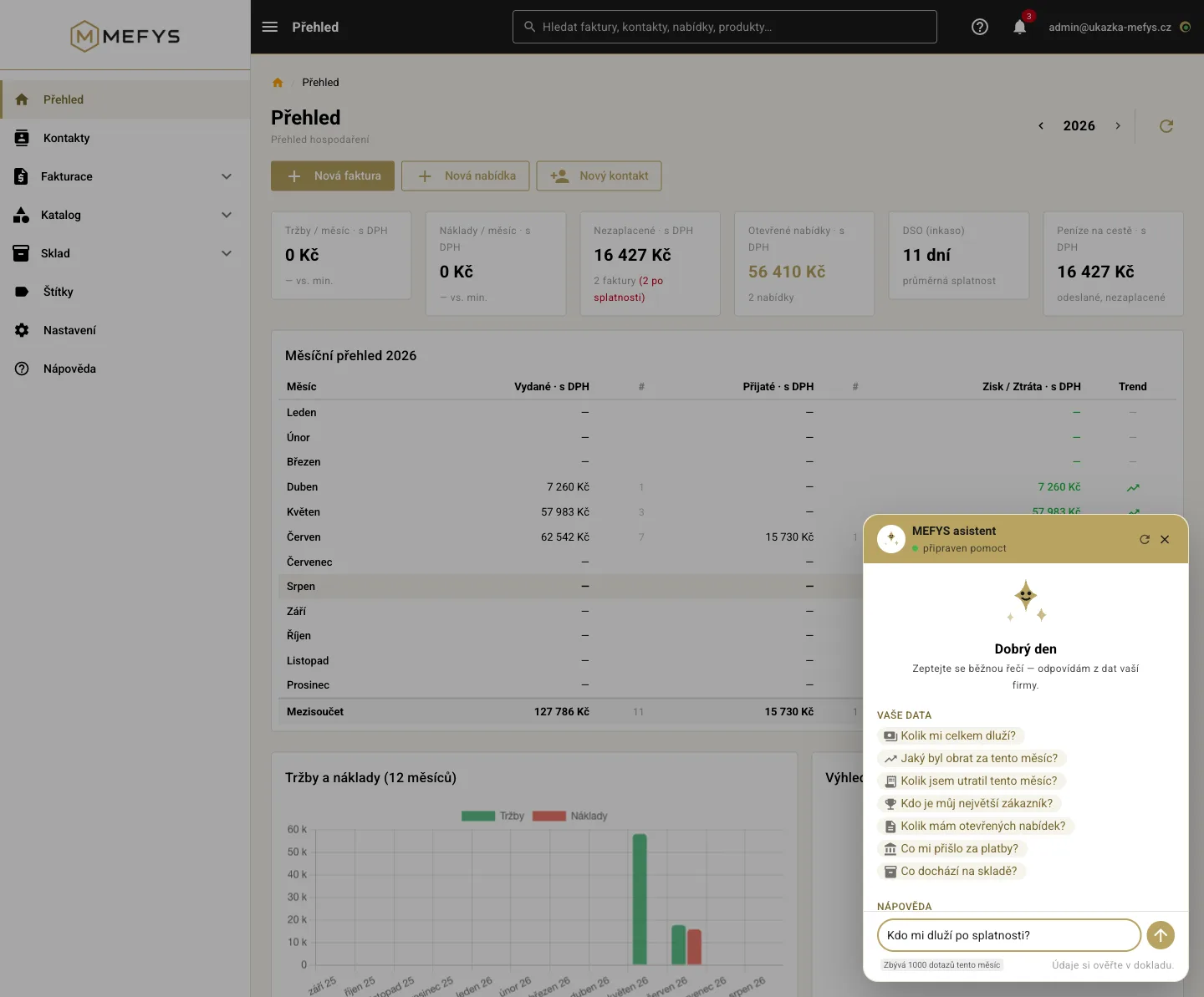
- AI assistant right inside the app: open MEFYS and ask in plain language — “who owes me?”, “what was my revenue?”, “how do I issue an invoice?”. It answers from your data and from the built-in help, only reads and deletes nothing (Free 20, Start 100, Standard 300, Business 1000 queries a month)
- Control from your own AI (advanced): connect MEFYS to an assistant (e.g. Claude) via the MCP standard and let AI also prepare invoice and quote drafts for approval — from the Standard plan
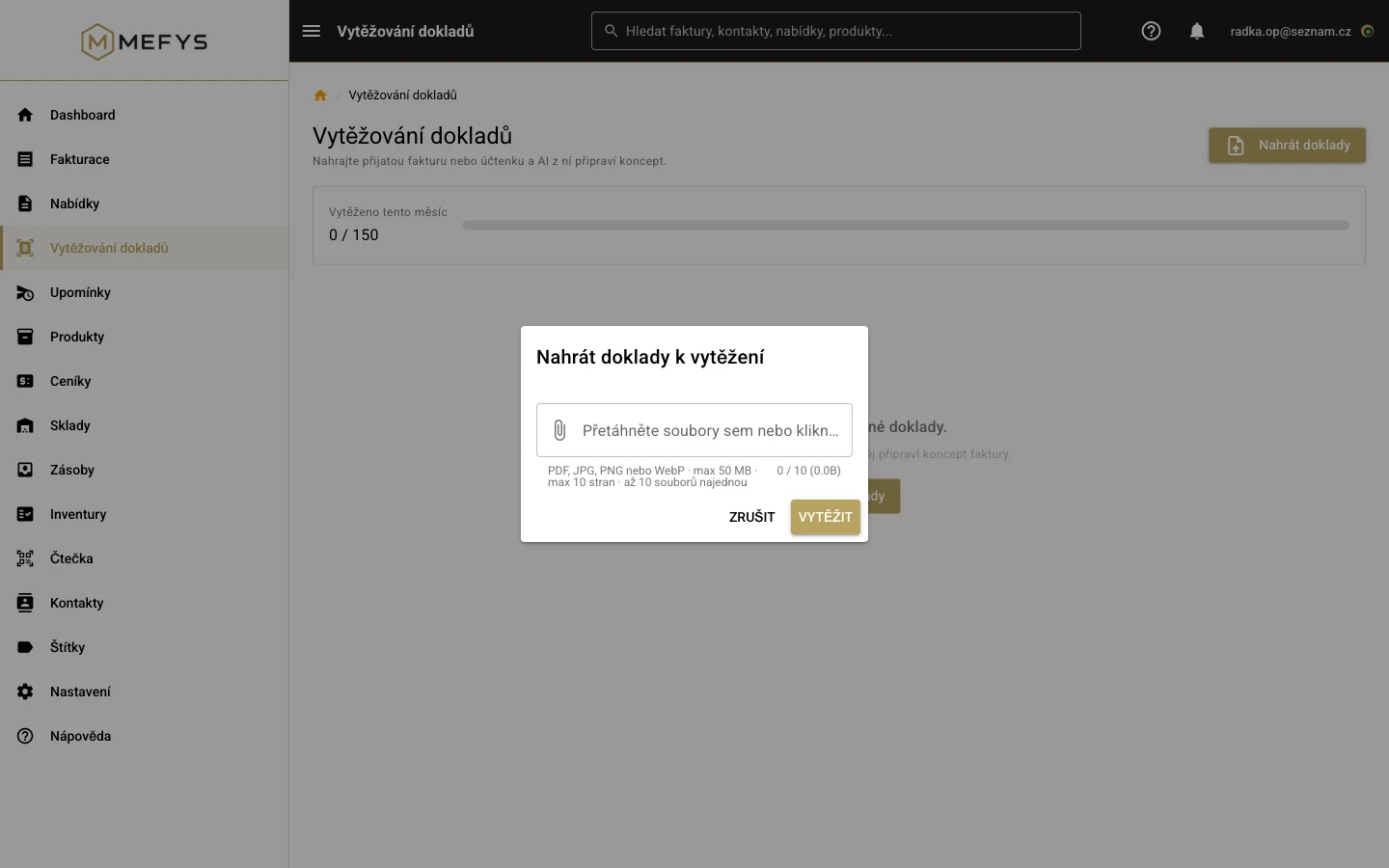
- AI transcription of photographed documents (data extraction): snap a received invoice or receipt (several at once if you like) and MEFYS extracts the supplier, amounts, VAT and line items into a draft for approval — included in every plan, with company ID verification in the ARES register, VAT re-calculation and comparison with the payment QR code
Try it on your own company
14 days free, no credit card. You will issue your first invoice in minutes.
Create a free account →Screenshots come from a real system with sample data (Czech UI).